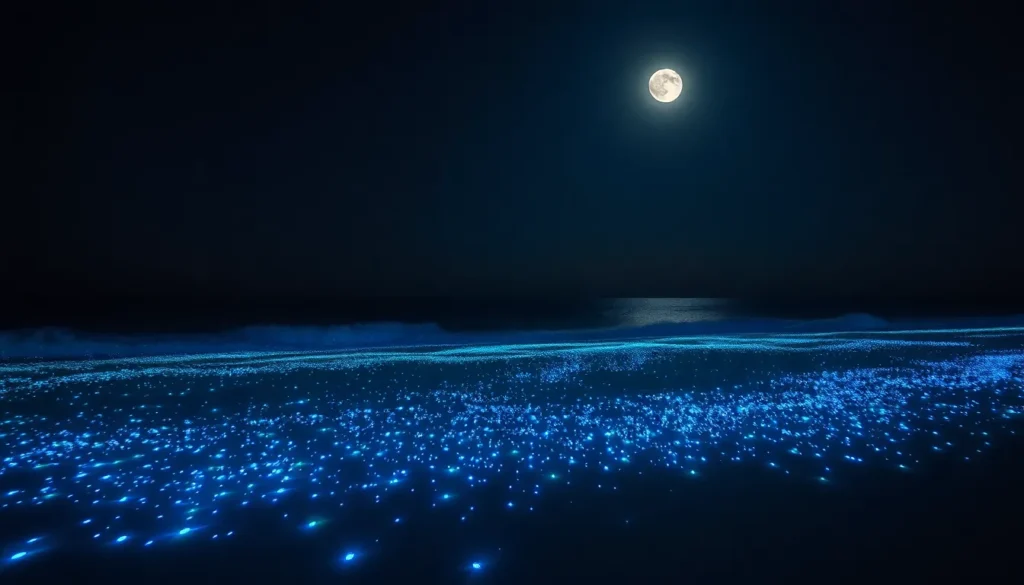

Imagine strolling along a moonlit beach, only to discover a magical glow beneath your feet. Bioluminescence transforms ordinary scenes into extraordinary displays of nature’s artistry. Capturing this enchanting phenomenon with an iPhone might sound like a daunting task, but fear not! With a few clever tips, you can turn your smartphone into a portal to the glowing wonders of the world.
Understanding Bioluminescence
Bioluminescence refers to the natural phenomenon where living organisms produce light. This process primarily occurs in marine environments involving organisms like plankton, jellyfish, and certain types of fish. It generates a mesmerizing glow that often appears in shades of blue and green.
Many species utilize bioluminescence for survival. For instance, some organisms use it as a defense mechanism, confusing predators or attracting prey. Others rely on glowing patterns for communication or mating displays. This interaction showcases the complexity and beauty of ecosystems, highlighting the essential role of bioluminescent species.
The light produced by bioluminescent organisms results from a chemical reaction involving luciferin and luciferase. When these compounds interact, they release energy, creating visible light. This reaction occurs in specialized cells, usually located in the organism’s body, which can be a fascinating aspect to observe.
Viewing bioluminescence often involves specific environmental conditions. Warm waters typically enhance visibility, while darker settings amplify the glowing effect. Locations like beaches or secluded lagoons provide ideal viewing conditions, especially when the water is disturbed at night.
Understanding bioluminescence enriches the experience of observing this phenomenon. Capturing its beauty through photography requires knowledge of both the subject and technical aspects of the camera. Recognizing how to adjust settings on an iPhone can lead to stunning images, preserving the wonder of these illuminating life forms.
Preparing Your iPhone for Night Photography
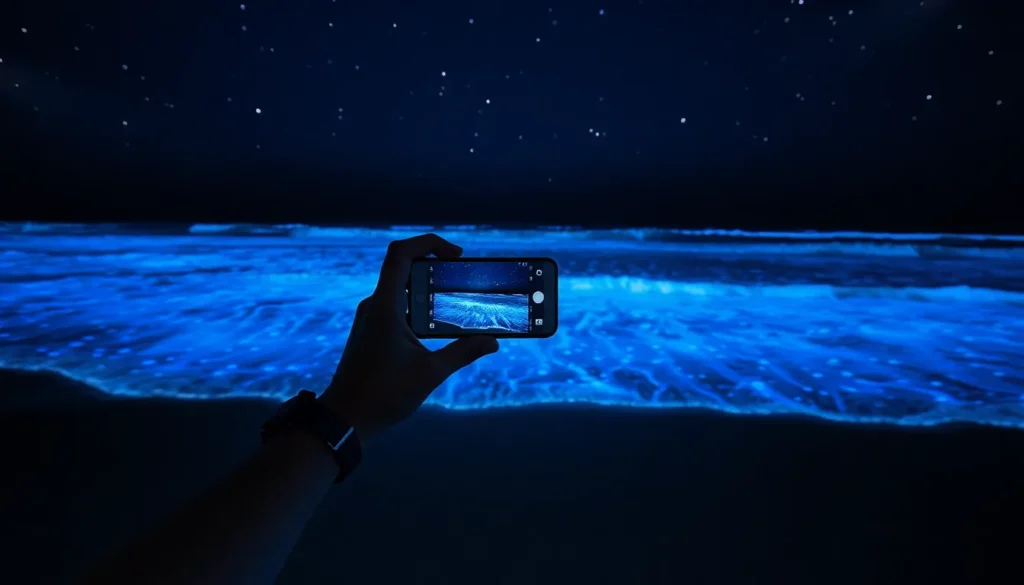
Taking stunning photographs of bioluminescence starts with setting up the iPhone properly. Specific adjustments maximize the camera’s performance in low-light conditions.
Adjusting Camera Settings
Start by accessing the camera settings in the native iPhone app. Change the exposure by tapping and sliding the sun icon to brighten the image without overexposing lights. Turn on Night Mode if it’s available; this feature enhances night photography by capturing multiple frames and blending them for clarity. Set the focus on the bioluminescent elements, allowing the iPhone to adapt to the light levels effectively. For optimal results, ensure that HDR (High Dynamic Range) is enabled to balance light and dark areas.
Utilizing Third-Party Apps
Consider using third-party apps that enhance night photography capabilities. Several apps, such as ProCamera and NightCap, offer advanced features for low-light conditions. These apps allow for manual adjustments, including ISO settings and shutter speed, which can significantly improve image quality. By fine-tuning these settings, capturing the vibrant details of bioluminescence becomes easier. Explore additional tools, like light-detection features, to optimize focus and exposure further, resulting in stunning images of this natural phenomenon.
Finding Bioluminescent Locations
Locating bioluminescent sights requires research and planning. Knowledge of specific areas known for their glowing displays increases the chances of witnessing this wonder.
Best Places to Observe Bioluminescence
Popular locations for observing bioluminescence include Mosquito Bay in Vieques, Puerto Rico, recognized for its vibrant blue glow. Luminous Lagoon in Jamaica draws visitors with its sparkling waters, especially during calm nights. The beaches of San Diego, California often showcase bioluminescent waves during certain seasons. In the Florida Keys, visitors can experience breathtaking displays from dinoflagellates. Exploring these areas during peak seasons yields the best results.
Tips for Exploring at Night
Selecting a dark location away from city lights enhances the visibility of bioluminescence. Bringing a flashlight with a red filter minimizes disruption to nighttime vision. Keep noise to a minimum to avoid startling marine life. Walking carefully prevents accidental disturbances in delicate ecosystems. Observing tides can increase the chances of witnessing brighter displays, as glowing organisms often thrive during specific conditions. By preparing adequately, individuals can fully appreciate the beauty of bioluminescence under the stars.
Techniques for Capturing Bioluminescence
Capturing bioluminescence with an iPhone involves specific techniques that enhance the photographic experience. Employing these strategies can significantly improve image quality and composition.
Composition and Framing
Finding the right angle is crucial for composing stunning bioluminescence photos. Include foreground elements like rocks or vegetation to create depth. Utilize leading lines to guide the viewer’s eye toward the glowing subject. Experimenting with the rule of thirds can enhance visual appeal. Positioning the horizon line lower can emphasize the glowing water. Mixing different elements adds interest and context to the scene. Adjust the iPhone’s camera orientation for varied perspectives, capturing both the bioluminescent glow and surrounding beauty.
Using Long Exposure
Long exposure photography effectively captures bioluminescence clarity. Activating the iPhone’s Night Mode provides a longer shutter speed, allowing more light to reach the sensor. Holding the camera steady is essential during this process. Employing a tripod or resting the iPhone on a stable surface minimizes motion blur. Using third-party apps can facilitate manual adjustments for even longer exposures. Adjusting settings enhances the light trails produced by moving organisms, creating a captivating portrayal. Experimenting with exposure times helps find the optimal balance for your specific lighting conditions.
Editing Your Bioluminescence Photos
Editing improves the quality of bioluminescence photos captured with an iPhone. Certain apps and techniques can enhance the natural glow and make images more captivating.
Recommended Editing Apps
Adobe Lightroom stands out for its powerful editing features and easy interface. Snapseed provides a range of tools, including brushes for selective editing. VSCO offers filters that enhance colors without losing the ethereal effect. Afterlight adds texture and film-like aesthetics, appealing to many users. Each of these apps has unique strengths suitable for bioluminescence photography.
Techniques to Enhance Glow
Boosting the glow in bioluminescence photos involves a few simple techniques. Adjusting brightness levels can highlight delicate light sources. Increasing contrast helps define the luminescence against darker backgrounds. Saturation tweaks amplify color intensity, emphasizing the stunning hues. Utilizing sharpening tools enhances details without introducing noise. Experimenting with selective editing brings focus to specific glowing elements for a more dramatic effect.
Capturing the enchanting glow of bioluminescence with an iPhone is not just possible but can be truly rewarding. By understanding the right techniques and settings, anyone can document this mesmerizing natural phenomenon.
With careful planning and the right location, the experience of photographing bioluminescence becomes even more magical. The combination of thoughtful composition and effective editing can transform simple snapshots into stunning works of art.
As individuals embark on this photographic journey, they’ll not only capture beautiful images but also create lasting memories of nature’s wonders. Embrace the adventure and let the beauty of bioluminescence inspire creativity and exploration.